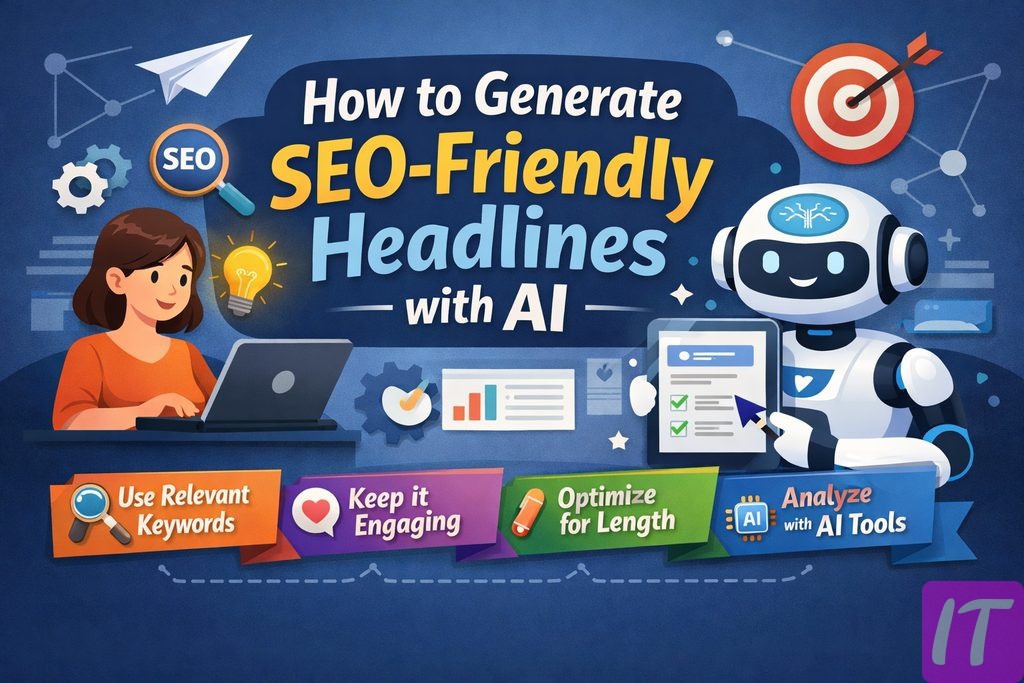
This beginner-friendly guide explains how to create visuals with AI for blogs, social posts, and simple brand content without needing a design background. This version is written for clear search intent, better readability, and a softer monetization-friendly structure.
Users should confirm licensing, brand safety, and usage policies before publishing AI-generated visuals in commercial contexts.
Start with the visual purpose
AI image creation gets much easier when the creator knows exactly what the image needs to do. Is it a blog cover image, a social media graphic, a presentation visual, or a simple ad concept? The answer changes the prompt, the composition, and the way the result should be reviewed.
Beginners often try to make one image work for every platform. That usually leads to awkward crops, weak layouts, and designs that feel unfinished. A much better approach is to define one use case, one size, and one mood before generating anything.
The goal is not to make the fanciest image possible. The goal is to create a useful image that supports the content and fits the platform where it will appear.
How to write a better image prompt
A good image prompt does not need to be complicated. It simply needs to include the right building blocks: subject, style, composition, format, and mood. For example, “clean blog header image of a modern workspace, soft lighting, minimal composition, horizontal layout” is already much stronger than a vague request for “an AI productivity image.”
Adding platform information helps too. A social post, blog header, and presentation slide do not need the same visual balance. Mentioning orientation, room for text, color feel, and whether the image should look realistic or illustrative also improves the result.
The best prompts are often built through iteration. First get the concept right, then improve composition, then refine the style. That is usually faster than trying to force perfection into the first version.
The most common beginner mistakes
The first common mistake is vagueness. If the prompt does not describe what success looks like, the tool has to guess. The second mistake is asking for too many conflicting details at once. That often creates cluttered, uneven images that are harder to fix.
Another frequent issue is forgetting where the image will be used. A beautiful visual can still fail if it leaves no room for a title or does not match the format of the page. Some creators also publish the first output immediately, even though a small amount of editing or cropping would make it much stronger.
The final mistake is treating the image separately from the content. Visuals work best when they support the article, brand, or offer instead of competing with it.
Where AI image tools save the most time
AI image tools are especially helpful for fast-turnaround design needs. Blog covers, social creatives, rough ad concepts, newsletter visuals, and presentation images can often be drafted much faster with AI than with a manual blank-canvas approach.
They are also helpful during the idea phase. Sometimes the real challenge is not making the image but deciding what the image should look like. AI shortens that phase by generating multiple visual directions quickly.
That said, brand-heavy campaigns and high-stakes design work still benefit from stronger human design oversight. AI works best as a fast concept and production partner, especially for small teams and solo creators.
Final takeaway: simple prompts and smart editing beat complexity
AI image creation is one of the easiest entry points into practical AI use. It helps non-designers move from idea to draft much faster and lowers the barrier to creating visual content consistently.
The best way to start is small. Pick one real need, such as a blog cover image, and write three prompt variations for the same brief. Compare the results, choose the clearest one, and make small edits if needed. That process teaches more than endlessly collecting prompt examples.
In the long run, the most reliable results come from clear briefs, focused prompts, and a short but thoughtful review step before publishing.
Frequently Asked Questions
Do I need design skills to create images with AI?
No, but results improve when you can clearly describe the goal, format, and style you want.
What is the biggest beginner mistake?
Writing vague prompts and expecting a finished design without iteration or cleanup.
Should AI-generated visuals be used without editing?
In many cases, a short round of review and light editing improves brand fit and usability.